
OpenAI Gives Codex a Screen Memory With New Chronicle Feature
OpenAI rolled out Chronicle for its Codex macOS desktop app, an opt-in research preview that captures periodic screenshots and stores text summaries locally so
Updated 5 min read


OpenAI rolled out Chronicle for its Codex macOS desktop app, an opt-in research preview that captures periodic screenshots and stores text summaries locally so
OpenAI rolled out Chronicle for its Codex macOS desktop app on April 20, 2026, an opt-in research preview that captures periodic screenshots, processes them on OpenAI's servers, and stores text summaries locally so Codex can understand what a developer is working on without being told each time.
The feature is available to ChatGPT Pro subscribers ($100/month or more) on Apple Silicon Macs running macOS 14 or later, and is not available in the EU, UK, or Switzerland.
Chronicle arrives four days after OpenAI's April 16 update that added background computer use, an in-app browser, image generation, and 111 Codex Plugins.
According to OpenAI, more than 1 million developers have used Codex, with usage doubling after the GPT-5.2-Codex model launched in December. Chronicle represents OpenAI's first implementation of ambient, screen-aware context within a developer tool.
Its cloud-processing approach puts it in direct contrast with the local-first architecture most competitors have adopted.
Chronicle runs sandboxed background agents that periodically capture screenshots of whatever is visible on the display. Those screenshots are sent to OpenAI's servers, where OCR and visual analysis convert them into text summaries. The summaries are saved as unencrypted Markdown files at ~/.codex/memories_extensions/chronicle/ on the user's machine.
Raw screen captures are stored temporarily in a system temp directory and deleted after six hours. OpenAI states the screenshots are not retained on its servers after processing and are not used for model training, unless the user has opted into data sharing in their ChatGPT settings.
When a developer prompts Codex, relevant memory files from Chronicle are pulled into the context window. This lets Codex understand references to "this error," "the doc I had open," or "that thing I was debugging two weeks ago" without requiring any explanation.
Beyond passive context, Chronicle can help Codex identify the right source to use. If a specific file, Slack thread, Google Doc, or pull request is more relevant than what's in memory, Chronicle helps Codex recognize that and pull from the source itself.
OpenAI describes three core capabilities Chronicle adds to Codex:
Use what's on screen. Codex can understand what application, document, or error message the developer is currently looking at, without the developer describing it.
Fill in missing context. Developers no longer need to reconstruct the state of a project each session. Chronicle lets Codex fill in those gaps from recent screen history.
Remember tools and workflows. Over time, Chronicle learns which tools, projects, and workflows a developer relies on, reducing setup overhead for recurring tasks.
Last week, we released a preview of memories in Codex. Today, we’re expanding the experiment with Chronicle, which improves memories using recent screen context. Now, Codex can help with what you’ve been working on without you restating context. https://t.co/b3p8I5eXOy
"Last week, we released a preview of memories in Codex," OpenAI Developers posted on April 20.
"Today, we're expanding the experiment with Chronicle, which improves memories using recent screen context. Now, Codex can help with what you've been working on without you restating context."
Greg Brockman, OpenAI's president, called it "an experimental feature giving Codex the ability to see and have recent memory over what you see, automatically giving it full context on what you're doing. Feels surprisingly magical to use," per TNW.
OpenAI does not bury the risks. The Chronicle documentation opens with a warning that the feature "increases risk of prompt injection, and stores memories unencrypted on your device." If a developer browses a site containing malicious agent instructions, Codex may follow those instructions, since Chronicle feeds screen content into its context window.
The unencrypted memory files are readable and editable by the user, and accessible to other applications on the machine. OpenAI recommends pausing Chronicle before meetings or when viewing sensitive content, shifting the burden of managing that risk to the user.
Chronicle also consumes rate limits quickly. The background agents run continuously and draw on the same rate limits as other Codex sessions. OpenAI has not disclosed the exact depletion rate.
Chronicle can be paused or disabled at any time from the Codex menu bar icon.
Chronicle is not the first tool to build an AI memory layer from screen captures, but it is notable for its cloud-processing approach. Microsoft Recall (the most prominent feature in the same category) processes screenshots locally on Copilot+ PCs using a dedicated neural processing unit. No screenshot data leaves the device; Recall encrypts its database and requires biometric authentication via Windows Hello.
Screenpipe, an open-source alternative, also takes the local-first approach. Rewind AI, which rebranded to Limitless before being acquired by Meta in December 2025 and shutting down its Mac screen-capture feature, also processed data entirely on-device.
Chronicle's design moves in the opposite direction: screenshots leave the device for server-side processing, and the resulting memories sit on disk without encryption. The Next Web described this as "direct tension with the privacy-first direction that much of the industry has been moving toward."
For developers who trust OpenAI's data handling, Chronicle offers something competitors haven't shipped: tight integration with an AI coding agent that can act on screen context directly, not just record it.
Chronicle is a research preview, and OpenAI has not indicated a timeline for general availability or expansion to the EU, UK, or Switzerland. The geographic exclusions strongly suggest OpenAI recognizes the feature's incompatibility with GDPR requirements around data minimization.
The broader trajectory is clear. Cursor 3 and Claude Code show that AI coding tools are racing to reduce friction between developer intent and execution.
Chronicle positions Codex to know what a developer is working on before they say a word. Whether that trade-off (ambient screen capture routed through OpenAI's cloud) is one developers will accept at scale remains the open question.

A zero-human company (ZHC) is a business where AI agents handle every operational function without human employees. Learn how it works, real examples earning $6

Anthropic's Claude Managed Agents launches in public beta, promising to cut AI agent deployment from months to days with managed cloud infrastructure and built-
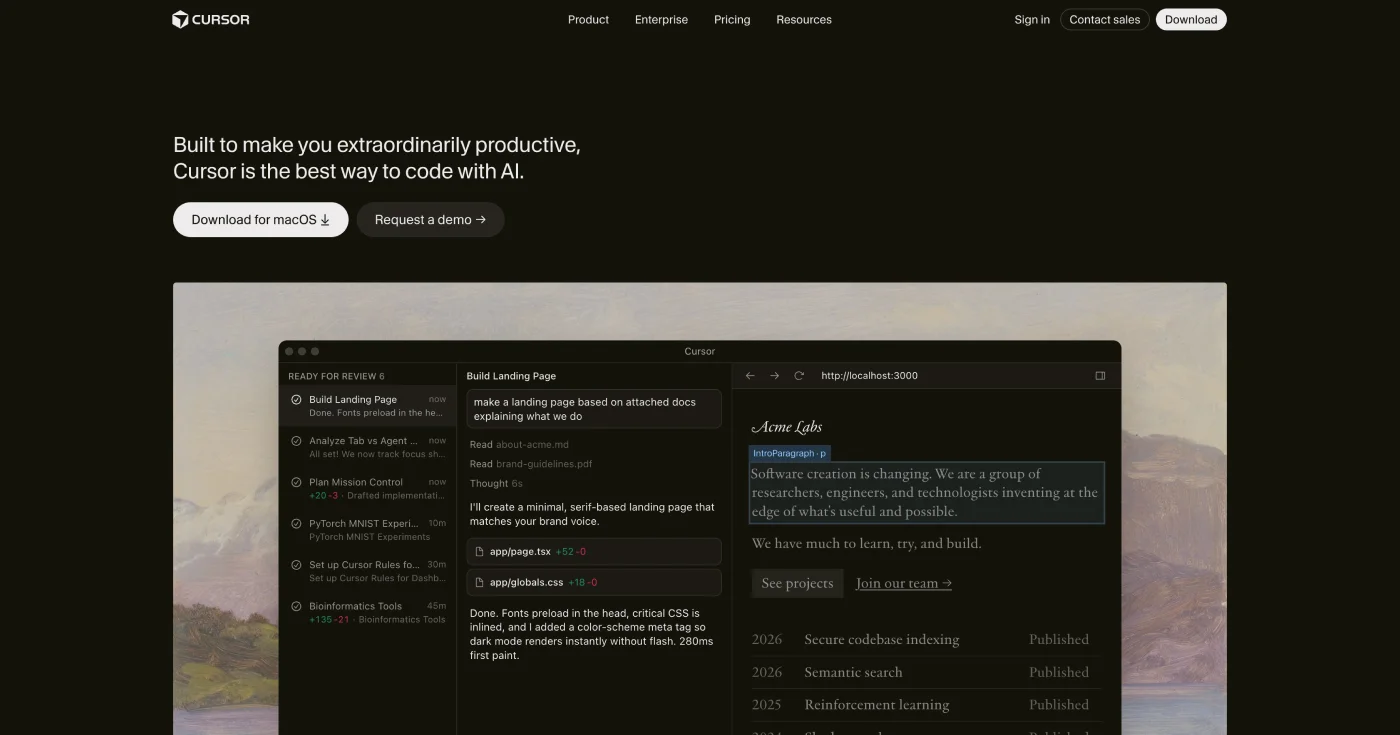
Cursor 3 introduces the Agents Window, a unified workspace for running parallel AI coding agents locally and in the cloud.
