
AI Browsers Compared: 12 Picks by Agent Power, Privacy and Price
12 AI browsers compared on agent features, privacy, platforms and real prices, with what changed after ChatGPT Atlas and Arc shut down.
Updated 17 min read


12 AI browsers compared on agent features, privacy, platforms and real prices, with what changed after ChatGPT Atlas and Arc shut down.
Perplexity Comet is the best AI browser for most people: its assistant can act on any tab, it costs nothing, and it runs on Mac, Windows, iOS and Android. Gemini in Chrome is the pick if you want AI without switching browsers, and Opera Neon is the most complete paid agent suite at $19.90 a month.
The category also shrank. OpenAI deprecated ChatGPT Atlas, which stopped working on August 9, 2026, and The Browser Company is sunsetting Arc on December 22, 2026 to focus on Dia. This list covers the 12 browsers you can still download today, ordered by how much real work the AI does for a typical user.
Software | Best For | Key Features | Pricing | Free Plan | Platforms |
|---|---|---|---|---|---|
Most people | Comet Assistant on every tab, Perplexity search, Chrome extensions | Yes | macOS, Windows, iOS, Android | ||
Staying in Chrome | Tab-aware Gemini, Skills, auto browse | Free; auto browse needs Google AI Pro or Ultra | Yes (no auto browse) | Windows, macOS, Chromebook Plus, Android, iOS | |
Paid agent suite | Agents that act, deep research, MCP and CLI | Yes (browser, basic chat) | Windows, macOS | ||
Knowledge work | Morning Brief, Skills, app connections | Yes (no AI) | macOS, Windows | ||
Windows and M365 | Copilot across tabs, Journeys, Voice and Vision | Free | Yes | Desktop and mobile | |
Privacy | No IP collection, BYOM, AI browsing in Nightly | Yes | Windows, macOS, Linux, iOS, Android | ||
Scheduled automation | Reviewable plans, scheduled tasks, Computer Use | Yes (1,000 Sparks) | macOS, Windows | ||
On-device AI plus agent | On-device AI, Autopilot, MCP Store | Yes (100 credits/day) | macOS 15+, Windows | ||
Budget agent | Eclipse local LLM, AI agent, deep research | Yes (limited agent) | macOS, Windows, iOS, Android | ||
Your own agents | AGPL-3.0, Claude Code and Codex hookup, bring your keys | Yes | macOS, Windows, Linux | ||
Casual users | No-account AI, tab context, image generation | Free | Yes | Windows, macOS, Linux, iOS, Android | |
Experimenters | GenTabs, AI-Enabled Pointer | Free (waitlist) | Waitlist | macOS |
12 AI browsers compared at a glance
Best for anyone who wants a free assistant that can act, not just answer
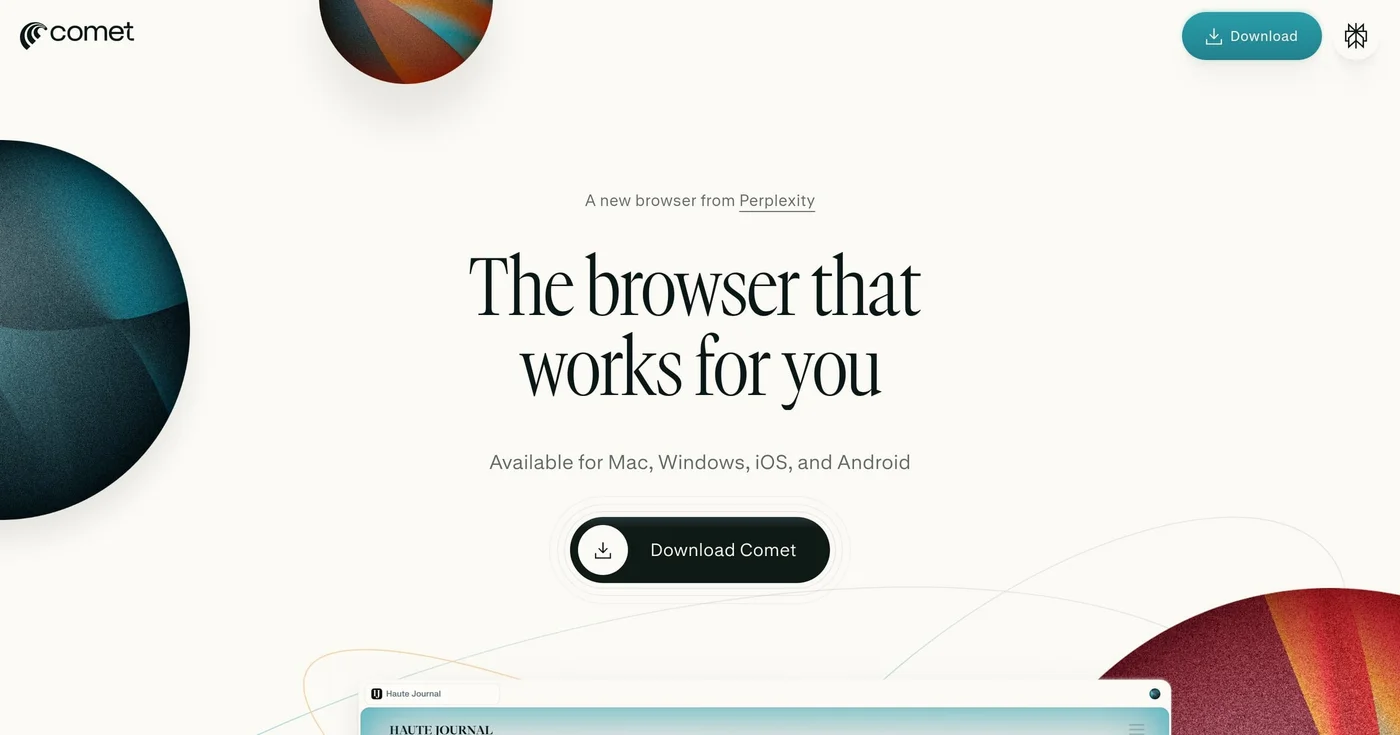
Perplexity Comet is a Chromium-based browser with Perplexity search as its default engine and support for most Chrome extensions, per Perplexity's getting started guide. Perplexity made it free worldwide in October 2025, as CNBC reported, after a limited release that began on July 9.
Every new tab carries the Comet Assistant, which answers questions about what you are reading and takes actions on your behalf: drafting email replies, comparing coverage across outlets, or shopping. Comet also has a Voice Mode for hands-free browsing and an enterprise edition.
The trade-off is exposure. Brave's security team documented prompt injection in Comet's screenshot feature, where near-invisible text inside an image was treated as a command. Keep agent tasks away from banking and admin sessions.
"every time you search Perplexity answers your queries instead of actually searching. Sometimes, I search and NO results appear but yet it gives me a summary." (u/IDKForA in r/browsers, 2025)
Comet Plus details are in Perplexity's launch partners post.
Best for people who want AI help without leaving Chrome
Gemini in Chrome puts Google's assistant in a Chrome side panel that uses the context of your open tabs. Google's January 2026 update built it on Gemini 3 for Windows, macOS and Chromebook Plus, according to the Chrome announcement. On Android you can call Gemini over Chrome, and on iOS it is built into the Chrome app.
The agent here is auto browse, which handles multi-step chores such as comparing hotel and flight prices across dates or filling a cart. Google's Chrome AI page lists Skills, image editing with Nano Banana and select-to-ask alongside it.
The catch is access. Auto browse is rolling out in preview to Google AI Pro and Ultra subscribers, starting in the U.S., and Gemini in Chrome itself depends on your region and language. Check both before you plan around it.
For most Chrome users, this is the lowest-friction upgrade on the list: no new browser, no import, and your extensions stay put.
Availability by country is on Google's support page.
Best for power users who want agents, research and generation in one subscription
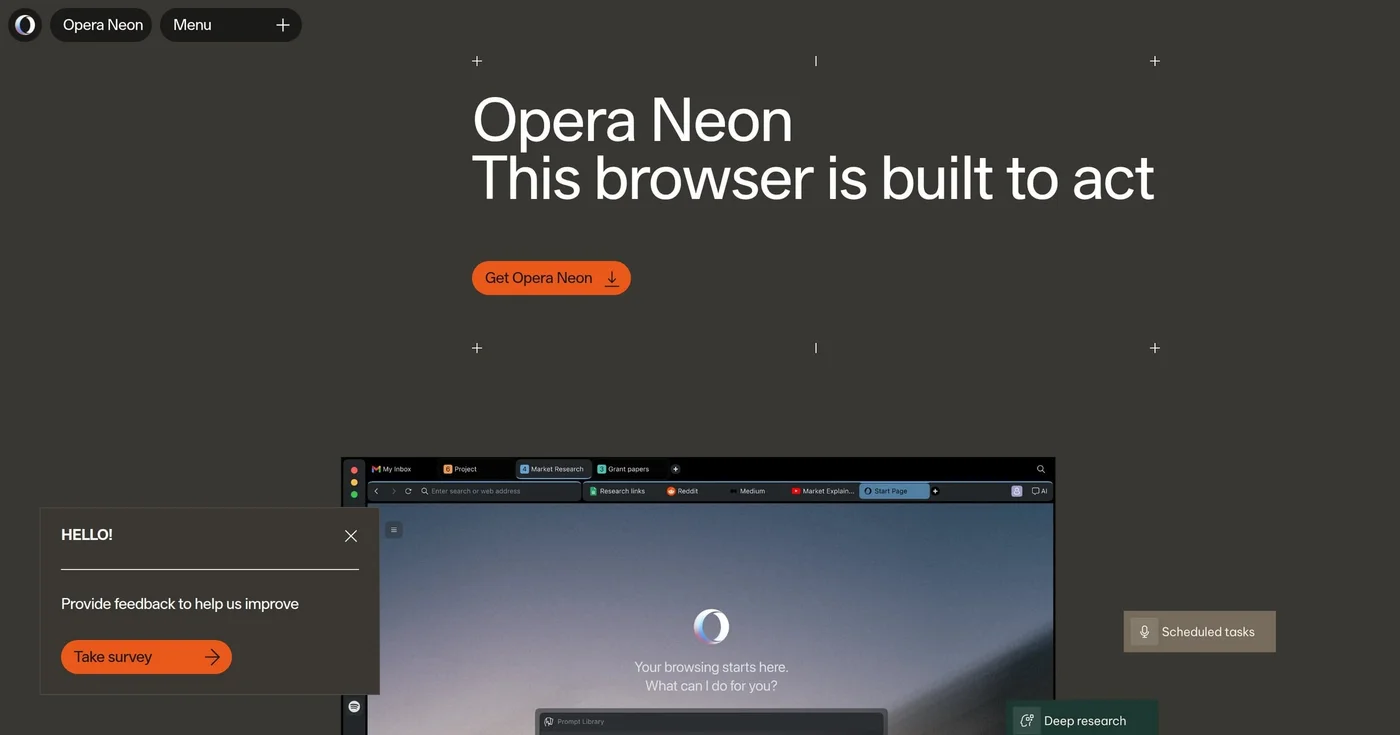
Opera Neon is Opera's agentic browser for Windows and macOS. Opera dropped the invite requirement in December 2025, per TechCrunch and sells it at $19.90 a month. In August 2026 Opera added a free plan so you can connect your own agents without paying.
The free plan gives you the browser, basic AI chat, Opera's ad blocker and free VPN, plus a Browser CLI and MCP connector for outside agents. If MCP is new to you, it is the open protocol that lets AI clients such as Claude connect to outside tools, in this case the browser.
The Standard plan adds Neon's own agents that act on the web, deep research, image, video and code generation, Skill cards, scheduled tasks and long memory. Opera's subscription page lists models from OpenAI, Anthropic and Google, including GPT-5.5, Opus, Gemini 3, Veo 3.1 and Sora 2.
Opera states that Neon keeps passwords, card details and cookies on your device and does not use your chats or history for training or advertising.
Plan comparison at operaneon.com/subscription.
Best for knowledge workers and anyone moving off Arc
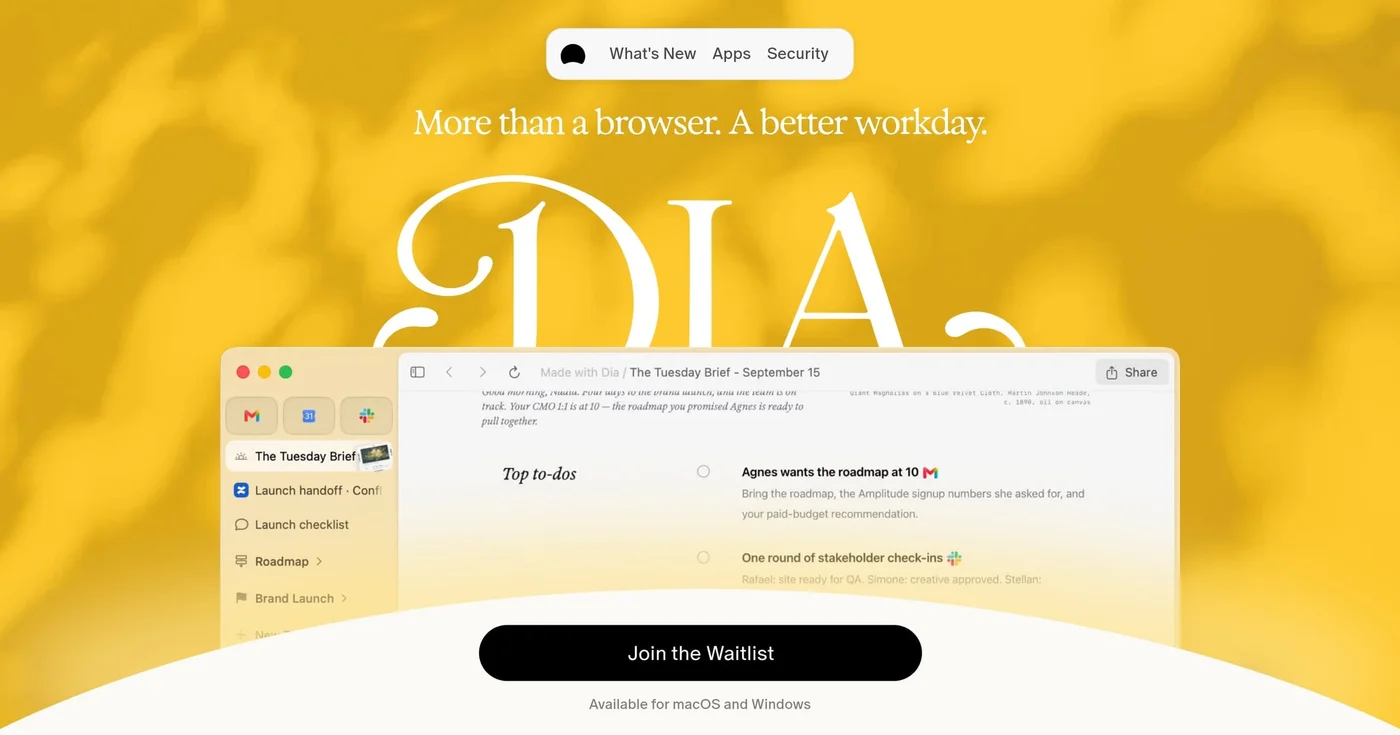
The Browser Company now puts its AI work into Dia, available on macOS and Windows. Atlassian agreed to buy the company for about $610 million in cash in September 2025. Dia is where its engineering now goes: Arc stops working on December 22, 2026, and the Arc sunset guide points users to Dia.
The paid plans start with a Morning Brief and let you ask Dia to find, summarize, draft or build from your tabs and connected tools. Skills are reusable prompts you can write in plain language or try from a public gallery.
For companies, the Dia for Work page lists a SOC 2 Type II report, MDM controls, zero data retention agreements with AI partners and admin controls such as blocking AI on chosen domains.
Paid plans began rolling out to most new Mac users on August 17, and existing users get at least 30 days' notice before they apply. The free plan keeps Dia as a clean browser with tab groups, split view and an ad blocker, and every new user gets a 14-day trial of the top plan.
Plan details at diabrowser.com/plans.
Best for Windows users and teams on Microsoft 365
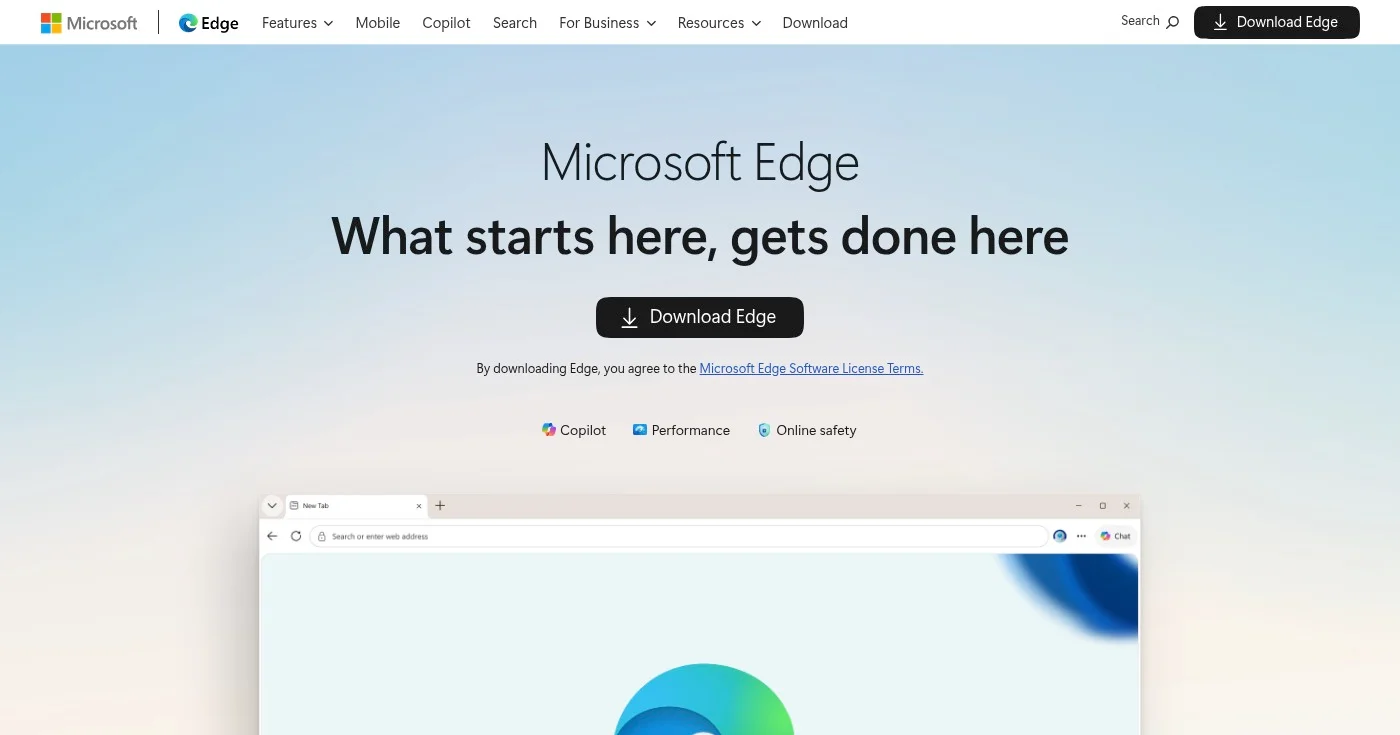
Microsoft Edge folded its separate Copilot Mode into the main browser in May 2026, so Copilot features now sit in Edge on desktop and, for the first time, in the Edge mobile app. Engadget's headline put it simply: everything is Copilot Mode now.
With your permission, Copilot can reason across open tabs to compare details, use your browsing history and past chats for long-term memory, and see your screen through Voice and Vision. Journeys groups past browsing into topic cards on the new tab page, and you can turn tabs into a podcast in English markets.
The agentic piece is aimed at business. Microsoft's Edge for Business page describes browsing with Copilot as a limited preview for Microsoft 365 Copilot license holders, available worldwide except the European Economic Area, with controls IT can manage.
At home, Edge is a capable AI-assisted browser at no cost. For autonomous tasks, it trails Comet and Neon unless your company is in the business preview.
Feature list on the Edge blog.
Best for privacy-conscious users who want AI without an account
Brave builds Leo into its browser on Windows, macOS, Linux, Android and iOS. You need no account to use it, and Brave says Leo does not retain or share chats or use them for model training.
The privacy model is specific. Brave's Leo FAQ says the browser sends your latest prompt, the conversation context and, when needed, page context, while Brave does not collect identifiers such as your IP address. Bring Your Own Model lets you point Leo at a local or remote model of your choice.
Leo has been AI-assisted rather than agentic, but Brave is testing AI browsing in Brave Nightly on desktop. It runs in an isolated profile behind a feature flag, and Brave warns that agentic browsing carries prompt injection risk and should not be used for sensitive tasks.
If you want help summarizing and writing with a minimal data trail, Leo is the pick.
Premium details in Brave's help center.
Best for running recurring web tasks on a schedule
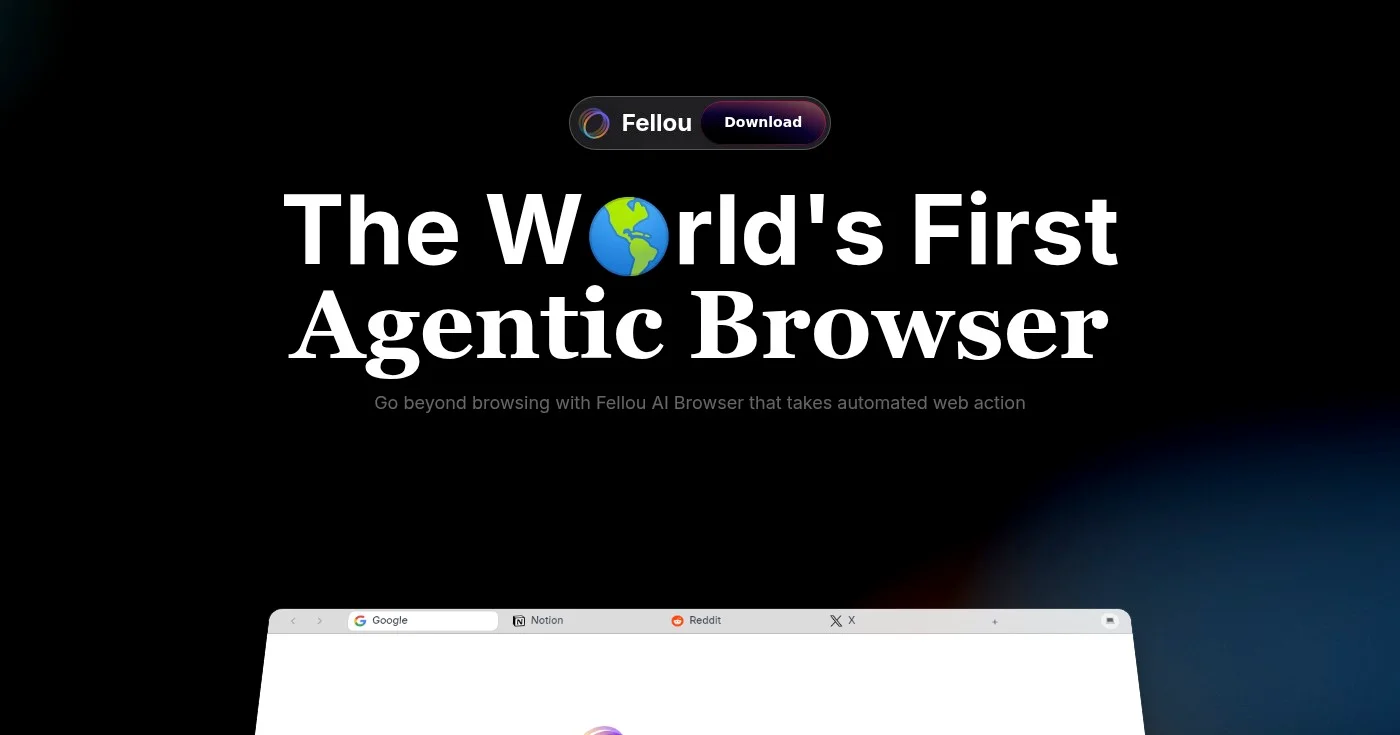
Fellou bills itself as an agentic browser that takes automated web actions. You describe a goal, Fellou drafts a step-by-step plan, and you can review, edit and approve that plan before it runs, then step in at any point during execution.
Beyond single tasks, Fellou runs deep research across sites including logged-in accounts like Reddit and produces reports with sources. Its Computer Use feature can operate local apps and files once you grant permission, and Agentic Memory learns from your history and notes.
The pricing model is credits. Fellou's pricing page gives new users 1,000 Sparks, roughly four tasks, and two scheduled tasks; paid plans raise both limits. Fellou notes that real consumption varies with workflow complexity.
Security deserves weight here too: Brave's researchers found that Fellou sent a website's content to its model just because a user asked it to visit the site, which opens the door to prompt injection.
Annual billing saves 20% per Fellou's pricing page.
Best for pairing free on-device AI with a cloud agent
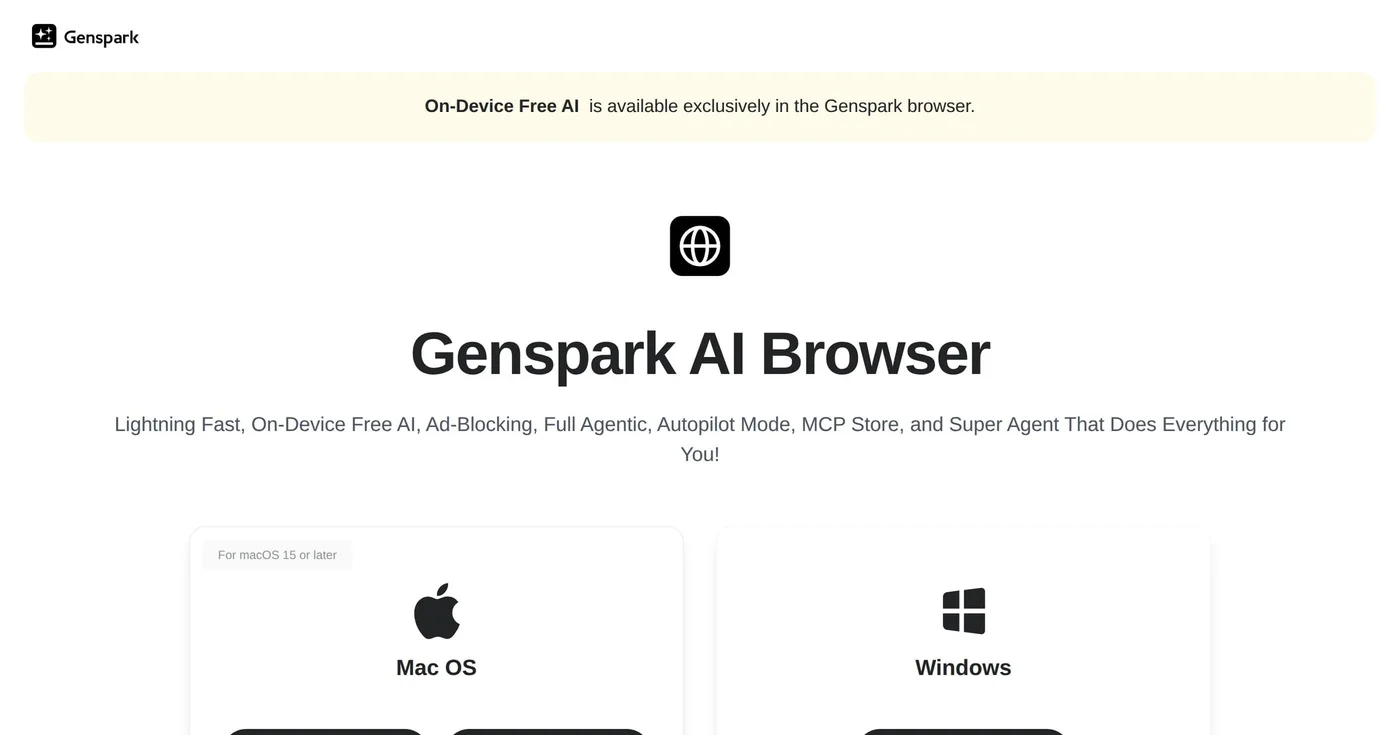
Genspark AI Browser runs on macOS 15 or later (Apple Silicon and Intel) and Windows. Its headline feature is on-device AI: models run locally, so those answers cost nothing and work without an internet connection.
On top of that sits Genspark's cloud side. Super Agent compares products, reviews and deals on any site, and Autopilot Mode browses feeds and completes web tasks for you. The built-in MCP Store connects Discord, GitHub, Notion, Slack and, per Genspark, 700+ other tools.
The browser is one piece of a larger Genspark AI Workspace with slides, docs, image and video tools, so paid credits serve all of it. The membership plans page lists a free plan with 100 credits a day and 1 GB of AI Drive, Plus with 10,000 monthly credits and 50 GB, and Pro with 125,000 credits and 1 TB.
If you already pay for Genspark, the browser is an easy add. If you only want a browser, the credit system adds overhead the simpler options here avoid.
Full limits on the membership plans page.
Best for a cheap agent with a local model fallback
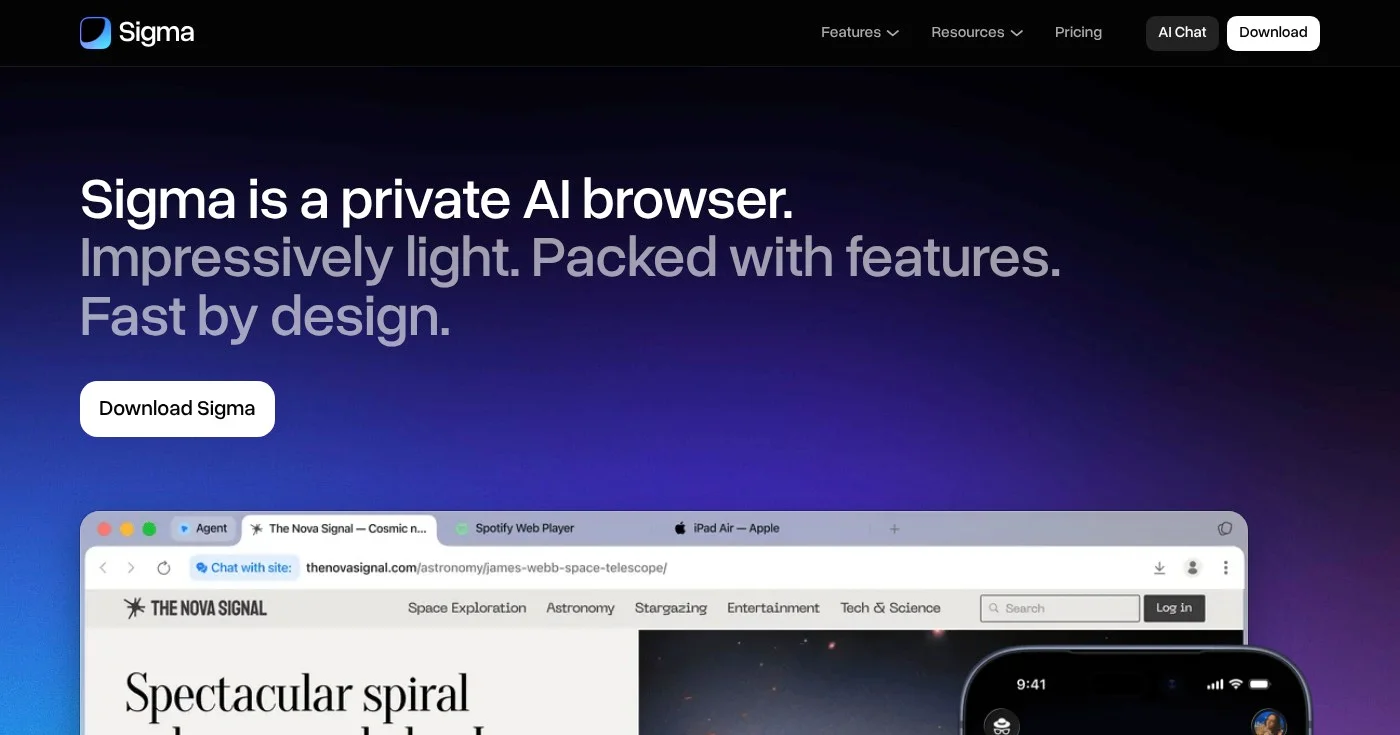
Sigma Browser OÜ launched Sigma in December 2025 as a Chromium-based AI browser with a local model called Eclipse. It now offers downloads for macOS and Windows plus iOS and Android apps.
Two AI modes do different jobs. The Sigma agent navigates pages, fills forms and completes tasks end to end, while Eclipse runs inside the browser so prompts never leave your device. AI Chat covers deep research, image generation and writing.
Sigma claims end-to-end encryption for user data and chats and says it complies with GDPR and CCPA. Those are vendor claims; there is little independent testing of the agent so far.
The free plan includes limited agent use, so you can test whether it handles your tasks before paying.
Plans at sigmabrowser.com/plans.
Best for developers who want their own agents to drive a real browser
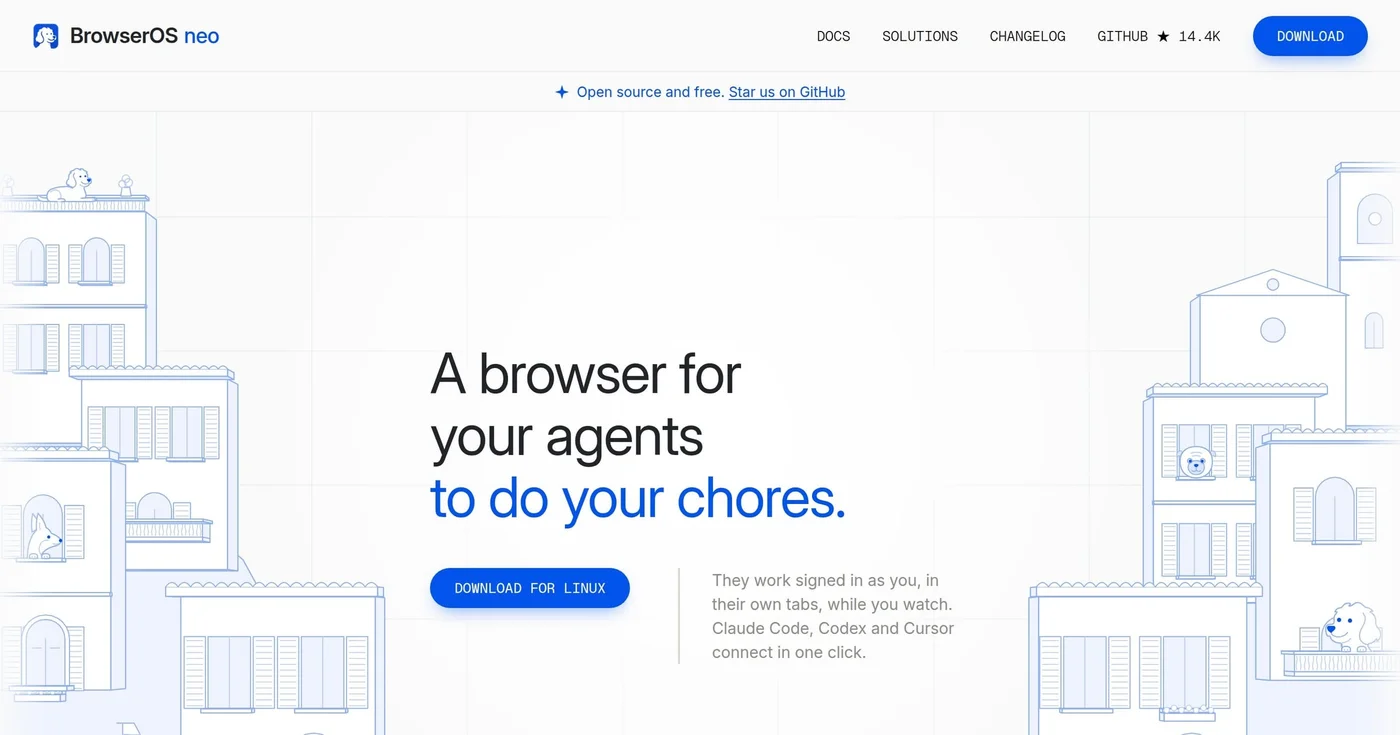
BrowserOS is an open-source Chromium fork that now ships as two browsers. The original BrowserOS stays a daily browser for people, while BrowserOS neo is a separate browser built for AI agents to use your signed-in accounts in their own tab group while you watch.
Neo connects to Claude Code, Codex, Cursor or any MCP tool, runs several agents in parallel and keeps cookies, passwords and history on your computer. You bring your own AI provider keys, so there is no BrowserOS subscription.
The download page lists builds for macOS (Universal, macOS 12 or later), Windows x64 and Linux, all under the AGPL-3.0 license. XDA Developers singled out the model freedom: you are not locked to the models one vendor chooses.
If you already live in a coding agent, neo is the most direct way to give it a browser. If you want a polished consumer assistant, Comet or Dia will feel friendlier.
Download at browseros.com/download.
Best for casual users who want free AI with no sign-up
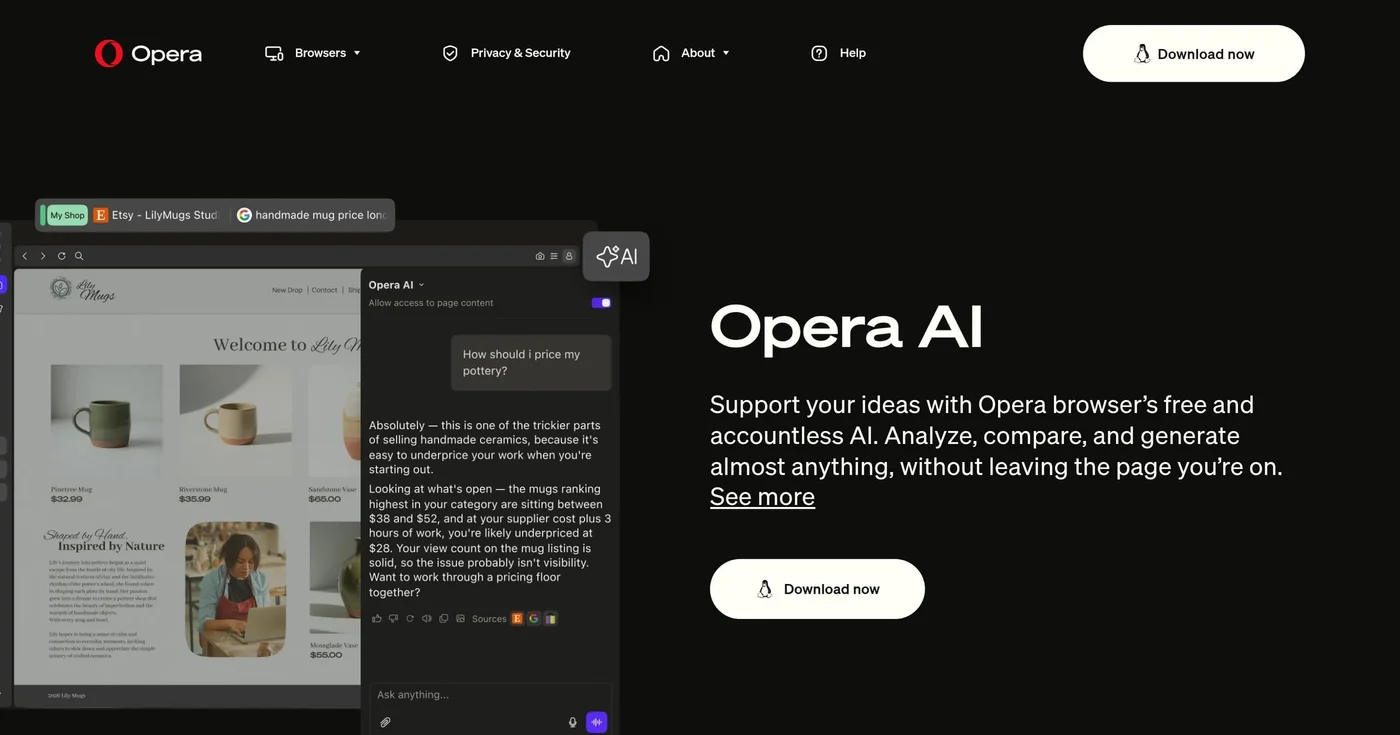
Every copy of the regular Opera browser ships with Opera AI, and Opera offers that browser for Windows, Mac and Linux plus iOS and Android on its download page. You can use it without an account.
It understands the tab or Tab Island you are viewing, analyzes files, summarizes YouTube videos, translates highlighted text and answers in over 50 languages. Voice input and output are included, and Opera's free VPN and ad blocker come with the browser.
Image generation is the one metered feature: five images a day without an account and 100 a day when you sign in. Everything else is free.
Opera AI is mostly AI-assisted. For agents that click and type for you, Opera sells Neon as a separate product.
Feature details on the Opera AI page.
Best for experimenters curious where AI browsing goes next
Google built Disco in Google Labs as an experiment, not a Chrome replacement. Google introduced it in December 2025 as a test bed for new web ideas, with a waitlist to download it on macOS, per the GenTabs announcement.
Its first feature, GenTabs, is built with Gemini 3. It turns your open tabs and chat history into an interactive web app for the goal you describe, such as a trip plan, a meal plan or a garden layout. Google has since added an AI-Enabled Pointer that gives quick answers about whatever you select on a page.
TechCrunch framed Disco as a contrast to standalone AI browsers like Comet, since Google's main AI push lives in Chrome itself.
Treat Disco as a preview of features that may reach Chrome, not as a daily driver.
Join at labs.google/disco.
Most AI browsers give the chat away and charge for the part that acts. Here is where each one draws the line today:

Gemini wins on price, storage and Google apps; ChatGPT wins on coding and agent access. Plans, models and team seats compared, checked 27 Nov 2026.

A practical Gemini API guide for teams: AI Studio keys, Gemini 4 model choice, free-tier limits, the 1 December 2026 price change, and Vertex versus Firebase.
OpenAI Symphony turns tracker issues into Codex agent runs. See how it works, which trackers it supports, how to set it up, and where it falls short.
