
OpenAI Symphony Explained: Run Codex Agents From Your Issue Tracker
OpenAI Symphony turns tracker issues into Codex agent runs. See how it works, which trackers it supports, how to set it up, and where it falls short.
Updated 12 min read

OpenAI Symphony turns tracker issues into Codex agent runs. See how it works, which trackers it supports, how to set it up, and where it falls short.
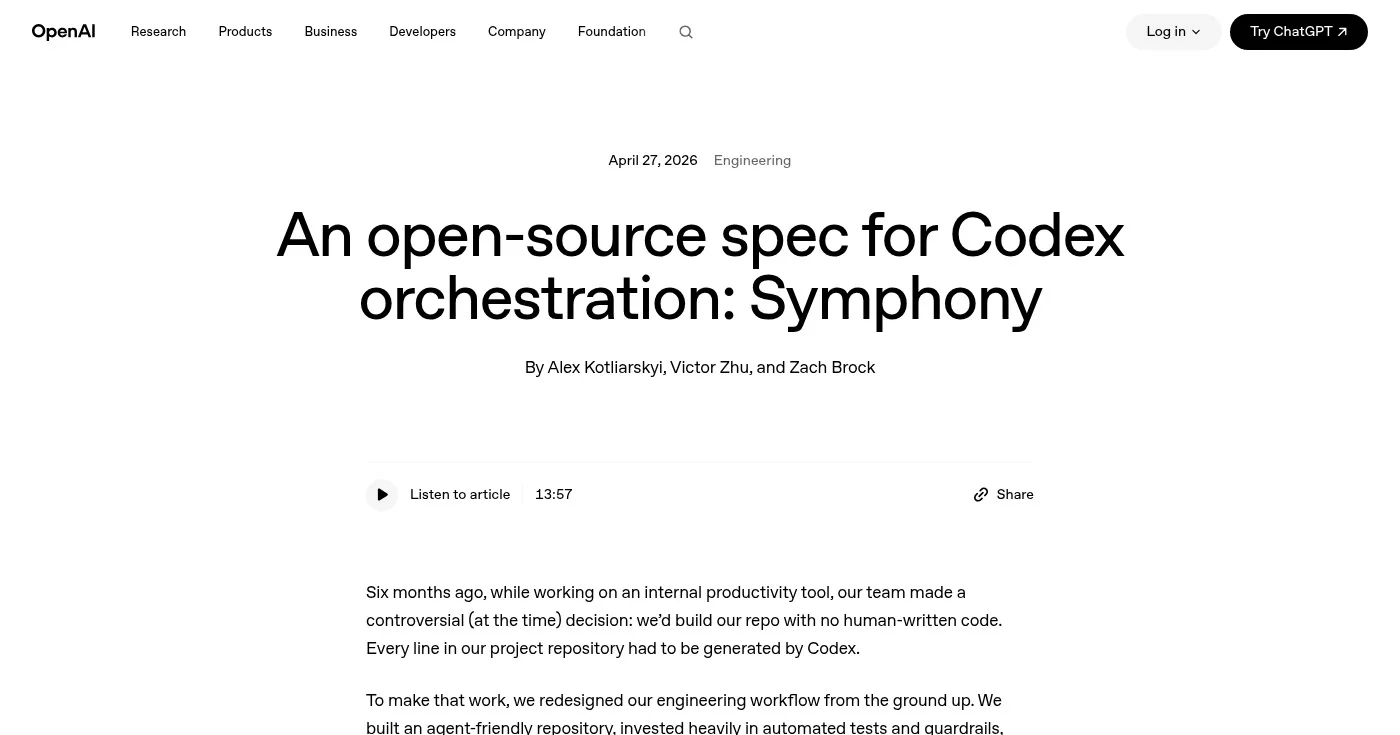
OpenAI Symphony is an open-source service that watches an issue tracker, gives each active issue its own workspace, and runs a Codex agent there until the work is done. OpenAI announced it on April 27, 2026, and the openai/symphony repository has since passed 28,000 GitHub stars under the Apache 2.0 license.
The pitch is simple: stop supervising individual coding sessions and manage tickets instead. OpenAI reported a 500% increase in landed pull requests on some of its teams within the first three weeks. This guide covers how Symphony works, which trackers it supports, how to run it, and the limits OpenAI itself states.
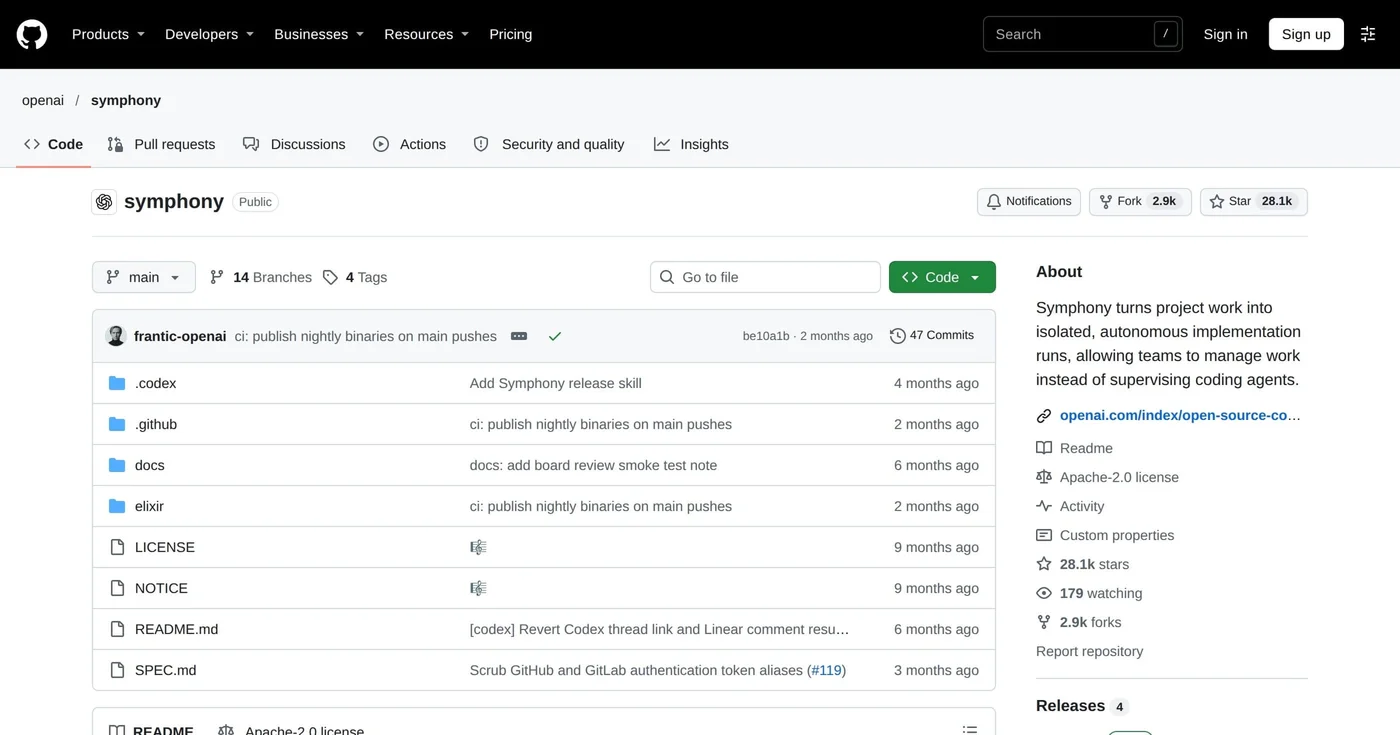
WORKFLOW.md file committed to your repository, so changes go through code review.Symphony is a long-running automation service. The spec describes it as a service that continuously reads work from a configured issue tracker, creates an isolated workspace for each issue, and runs a coding agent session for that issue inside the workspace.
The announcement was written by OpenAI engineers Alex Kotliarskyi, Victor Zhu and Zach Brock. They describe it as an agent orchestrator that turns a project-management board like Linear into a control plane for coding agents: every open task gets an agent, agents run continuously, and humans review the results.
Two things ship in the repository. The first is the SPEC.md file, marked Draft v1 and language-agnostic. The second is an experimental Elixir/OTP reference implementation in the elixir/ directory.
OpenAI's team had built an internal tool with no human-written code, relying on harness engineering to make the repository agent-friendly. That worked, but it exposed a new bottleneck: context switching.
In the announcement, the team says most engineers could comfortably manage three to five Codex sessions at a time before context switching became painful. Beyond that, productivity dropped. In their words, the constraint was human attention, so they moved the unit of work from the session to the ticket.
The spec draws a clear boundary: Symphony is a scheduler/runner and tracker reader. Ticket writes such as state transitions, comments and PR links are typically performed by the coding agent using tools in the runtime environment.
It is also not a general workflow engine. The spec's non-goals include a rich web UI or multi-tenant control plane, a general-purpose workflow engine or distributed job scheduler, and mandating strong sandbox controls beyond what the coding agent and host OS provide.
Symphony polls the tracker on a fixed cadence. The spec's default polling.interval_ms is 30000, so the orchestrator looks for work every 30 seconds unless you change it.
Each tick fetches candidate issues in your configured active states, then dispatches as many as free slots allow. The default agent.max_concurrent_agents is 10, and agent.max_concurrent_agents_by_state lets you cap individual states.
A Todo issue with a non-terminal blocker is not dispatched by the Linear adapter. OpenAI describes the same behavior for its dependency trees: agents only start tasks that are not blocked.
Each issue gets a deterministic workspace directory, so agent commands run only inside that directory. Workspace hooks (after_create, before_run, after_run and before_remove) let you bootstrap it, for example by cloning your repository.
Hook failures are handled differently by design. A failed after_create or before_run hook is fatal to that attempt, while after_run and before_remove failures are logged and ignored. The default hook timeout is 60 seconds.
Symphony launches Codex in App Server mode, a headless mode that OpenAI says lets you talk to Codex programmatically through a JSON-RPC API. It sends the rendered workflow prompt and keeps Codex working on the issue.
The agent can keep going across back-to-back turns. The Elixir README says agent.max_turns caps how many consecutive turns Symphony runs when a turn ends normally but the issue is still active. The default is 20.
OpenAI's demo shows agents providing proof of work, including CI status, PR review feedback, complexity analysis and walkthrough videos. When the work is accepted, the agents land the PR.
Where a run ends is up to your workflow. The spec notes that a successful run may end at a handoff state such as Human Review, not necessarily Done.
Symphony tracks its own claim state for each issue, separate from your tracker's statuses. The spec defines five: Unclaimed, Claimed, Running, RetryQueued and Released.
State | Meaning in the spec |
|---|---|
Unclaimed | The issue is not running and has no retry scheduled |
Claimed | The orchestrator reserved the issue to prevent duplicate dispatch |
Running | A worker task exists and the issue is tracked as running |
RetryQueued | No worker is running, but a retry timer exists |
Released | The claim was removed because the issue is terminal, non-active, missing, or the retry path finished |
A successful worker exit does not mean an issue is done forever. If the issue is still active, Symphony can dispatch it again.
Failures use exponential backoff, capped by agent.max_retry_backoff_ms, which defaults to 300000 (five minutes). If a claimed issue moves to a terminal state such as Done, Closed, Cancelled or Duplicate, the Elixir implementation stops the active agent and cleans up matching workspaces.
All runtime policy lives in one WORKFLOW.md file in your repository. It has YAML front matter for configuration and a Markdown body that becomes the Codex session prompt, rendered with a strict template engine.
This is the minimal example from the Elixir README:
---
tracker:
  kind: linear
  provider:
    project_slug: "..."
workspace:
  root: ~/code/workspaces
hooks:
  after_create: |
    git clone git@github.com:your-org/your-repo.git .
agent:
  max_concurrent_agents: 10
  max_turns: 20
codex:
  command: codex app-server
---

You are working on an issue from the configured tracker {{ issue.identifier }}.

Title: {{ issue.title }} Body: {{ issue.description }}
Because the file is versioned with your code, the agent's instructions on any branch match that branch. Edits to agent policy get reviewed in a pull request like any other change.
Symphony reloads the file while running. If a reload fails, the README says it keeps running with the last known good workflow and logs the error until you fix it. If the file is missing or the YAML is invalid at startup, it does not boot.
The announcement and the spec's first version centered on Linear. That has changed. The v0.0.2 release notes, dated July 24, 2026, list a generic tracker interface and adapters for GitHub Issues, Jira Cloud, Asana and GitLab Issues.
Tracker |
| Agent tool the adapter provides |
|---|---|---|
Linear |
|
|
GitHub Issues |
|
|
Jira Cloud |
|
|
Asana |
|
|
GitLab |
|
|
Each tool is executed on the host with configured auth, and Symphony removes declared tracker-token environment variables from the Codex child process. The agent does not need a second tracker login, and the token stays out of the workspace.
One caveat applies to the Linear adapter's linear_graphql tool. The README says project_slug scopes scheduler reads, not raw tool calls, so the tool can access whatever the configured Linear token can access.
The README says Symphony works best in codebases that have adopted harness engineering, and calls Symphony the next step: moving from managing coding agents to managing work that needs to get done.
In the announcement, OpenAI describes the guardrails it kept adding as agents missed the mark: end-to-end tests, driving the app through Chrome DevTools, QA smoke tests, and clearer documentation of what good looks like. Failures were treated as gaps in the system, not reasons to patch results by hand.
If your repository lacks reliable tests and documentation an agent can follow, orchestration at ticket level will mostly multiply the problems. Fix the harness first, then add Symphony.
The README offers two options. Option 1 is to make your own: tell your favorite coding agent to implement Symphony from the spec in a language of your choice. Option 2 is to use the experimental Elixir reference implementation.
You need Codex, git and credentials for your tracker on the machine. The Elixir README recommends mise to manage runtimes, and the repository's mise.toml pins Erlang 28 and Elixir 1.19.5 (OTP 28).
For Linear, create a personal API key under Settings, Security & access, Personal API keys, and set it as LINEAR_API_KEY. The sample workflow also depends on three non-standard Linear statuses you must create: Rework, Human Review and Merging.
git clone https://github.com/openai/symphony
cd symphony/elixir
mise trust
mise install
mise exec -- mix setup
mise exec -- mix build
mise exec -- ./bin/symphony ./WORKFLOW.md --i-understand-that-this-will-be-running-without-the-usual-guardrails
The build steps come from the README. The final flag comes from the launcher source: without it, the command prints a banner saying Codex will run without any guardrails and exits.
Symphony also ships self-contained executables built with Burrito, packaging that arrived in release v0.0.1 on July 18, 2026. The latest tagged release is v0.0.3 from September 15, 2026, with builds for macOS (arm64, x86_64) and Linux (arm64, x86_64). They embed Erlang/OTP, Elixir and Symphony, but still expect codex, git and your tracker credentials on the machine.
A separate nightly prerelease is rebuilt on each push to main, with the source commit named in its release notes. Stable releases stay unchanged.
Pass --port to start the optional Phoenix LiveView dashboard and JSON API, and --logs-root to write logs somewhere other than ./log. The dashboard shows what is running, what is retrying, and which issues are blocked waiting for operator input.
Blocked entries are held in memory only. The README warns that restarting the orchestrator clears that map, so any still-active issue can become a dispatch candidate again.
The README opens with a warning: Symphony is a low-key engineering preview for testing in trusted environments. The Elixir README goes further, calling it prototype software for evaluation only, presented as-is, and recommending you implement your own hardened version from the spec.
The Elixir implementation does set safer Codex defaults when you omit policy fields. codex.thread_sandbox defaults to workspace-write, and the turn sandbox policy defaults to a workspace-write policy rooted at the issue workspace. The default approval policy rejects sandbox approvals, rules and MCP elicitations.
Two settings need care. Package installs and other commands that resolve external hosts need networkAccess: true in codex.turn_sandbox_policy, or DNS and network access may be denied. And the README says not to put a literal tracker token in a repo-owned WORKFLOW.md if Codex can read that workspace; use a $VAR reference instead.
The spec adds that hooks are fully trusted configuration. It recommends tightening approval and sandbox settings, adding external isolation such as OS, container or VM sandboxing, and using tracker labels so untrusted or out-of-scope tasks never reach the agent automatically.
You can enforce the last point directly: tracker.required_labels makes an issue need every configured label before it dispatches or continues running.
OpenAI says that among some teams it saw landed PRs increase by 500% in the first three weeks. It also says Linear founder Karri Saarinen highlighted a spike in workspaces created as Symphony was released. Both are the vendor's own reports from its internal use, not an independent study.
The team describes several changes in how it works. Tickets can represent much larger units of work, such as feature plans that expand into a dependency tree. Agents can file follow-up issues they notice during implementation, and cheap speculative tasks became practical because a failed exploration costs little.
It also broadened who can start work. OpenAI says its product manager and designer can file feature requests directly and get back a review packet that includes a video walkthrough of the feature working in the real product.
For large monorepos, the team says Symphony watches CI, rebases when needed, resolves conflicts and retries flaky checks, so a ticket reaching Merging is likely to land without babysitting.
OpenAI says its early versions only asked Codex to implement the task, and that proved too limiting. It then gave agents tools such as the gh CLI and skills to read CI logs, and asked for objectives instead of strict transitions.
The announcement is explicit that not every task fits. Ambiguous problems or work that needs strong judgment and expertise still call for engineers working directly with interactive Codex sessions.
Moving to ticket-level work means you lose the ability to nudge an agent constantly. OpenAI says its response was to add guardrails and skills so the next run succeeds, instead of patching the output manually.
OpenAI states it does not plan to maintain Symphony as a standalone product and calls it a reference implementation. The repository's last commit was September 15, 2026, so plan to own your fork or your own spec-based implementation.
Symphony is best read as OpenAI's reference design for issue-driven agent work, not a finished product. Its value for most teams is the pattern: tickets as the unit of work, one isolated workspace per issue, policy in the repository, and a human review step before anything lands.
Start with the harness, then run a small trial in a scratch repository with a low concurrency limit and required labels. For related reading, see our AI coding agents comparison and the harness tools roundup, or browse the OpenAI Symphony listing and the OpenAI Codex listing.

Gemini wins on price, storage and Google apps; ChatGPT wins on coding and agent access. Plans, models and team seats compared, checked 27 Nov 2026.

A practical Gemini API guide for teams: AI Studio keys, Gemini 4 model choice, free-tier limits, the 1 December 2026 price change, and Vertex versus Firebase.

12 AI browsers compared on agent features, privacy, platforms and real prices, with what changed after ChatGPT Atlas and Arc shut down.
